
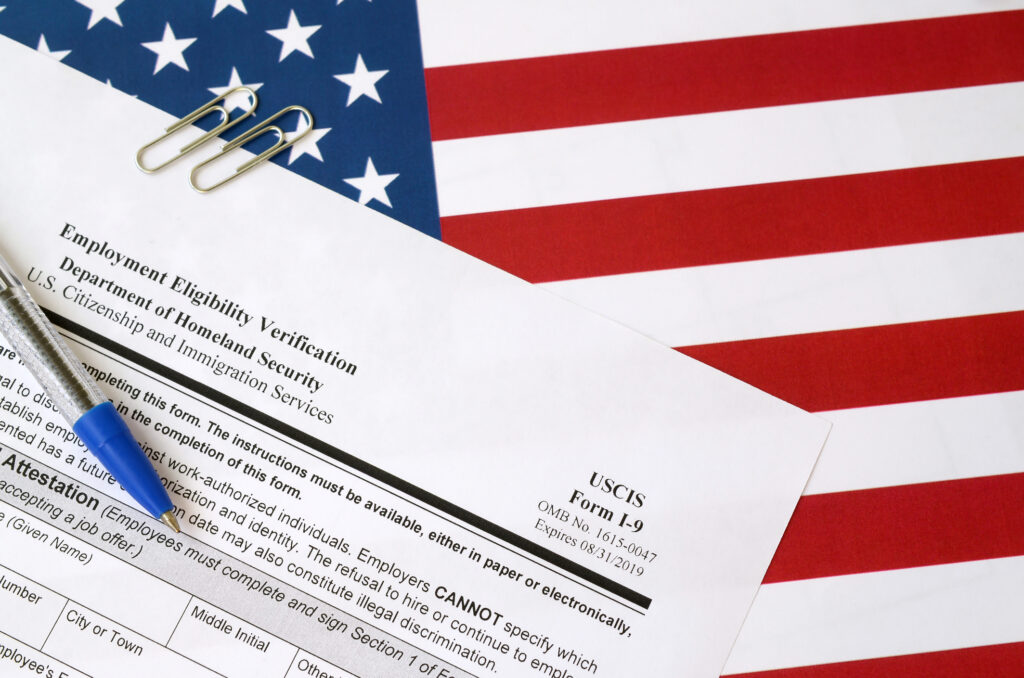
E-Verify+ modernizes employment eligibility verification by combining Form I-9 and E-Verify into one streamlined digital process for employers and employees. Previously, the process involved two separate steps:
- The employer inspects physical identity and work authorization documents provided by the newly hired employee.
- The employer manually takes the data from the completed Form I-9 and enters it into the online E-Verify System to match against government databases.
Employers’ Program Administrators will need to activate E-Verify+ within their existing E-Verify account. Your users will then be prompted to watch a training video on E-Verify+ and attest that they completed viewing the training video. https://everify.uscis.gov/everifyplus-training
Throughout your employees’ E-Verify+ process, and even after their Form I-9 is complete, you will follow the same applicable Form I-9 completion timelines and requirements, including those provided in the M-271 Handbook for Employers.
After you create the new case, you will be asked to select whether you will use the traditional E-Verify or the new E-Verify+ employment eligibility verification process for this employee. You will select the option for “Employee will submit their information and documents electronically using E-Verify+.”
E-Verify will send an e-mail to your employee with instructions on how to complete their Form I-9 through E-Verify+.
If the employee already has an E-Verify+ account, they will sign into the account and ensure their personal information, U.S. citizenship or immigration status, is current. Employes must upload upload new I-9 documents for every new E-Verify+ case. The employee will then electronically submit their Form I-9 to you.
If the employee is new to E-Verify+ they will be prompted to create their E-Verify+ user account. Your employee will click the link provided in the email to start the E-Verify+ account creation process. The employee will first be directed to sign up for a myUSCIS account using their personal email, then follow the steps to set up their credentials to access E-Verify+. The employee will enter their personal information and upload the acceptable documentation required to complete the Form I-9. Once the information is confirmed as being accurate, they will select citizenship or immigration status. After selecting the status, the employee will be presented with the option to select one List A document, or a combination of List B and C documents. The drop-down menu will give the employee document options corresponding with the citizenship or immigration status selected.
The employee then uploads an image of the document(s). After your employee successfully submits their documentation, it will be saved to their profile, allowing them to use it to complete their current and/or any future Form I-9s. The employee will review their information, make any necessary changes, and electronically sign and submit the I-9 form, which you can then review.
From your Case queue in E-Verify, you will see an updated Case status of Read for Review, which means it’s ready for your action and next step. The document information will have been populated for you in Section 2, and you will be able to see your employer information on the Form I-9 as well.
By clicking the Confirm Attestation and sign Form I-9 button, you will electronically sign the Form I-9. You will be required to download the Form I-9 and documents at that time and retain them in accordance with Form I-9 and E-Verify retention policies.
Using the electronically submitted information, your employee’s E-Verify case is automatically created and submitted, and you can view their employment eligibility results by clicking the button to continue to case results. You will see that their employment is authorized and they’re employment authorized and the E-Verify case will be automatically closed for you. You will print the I-9 and follow your usual retention process.
Benefits of Using E-Verify+
- Improve efficiency by managing E-Verify and E-Verify+ cases in one place: your E-Verify account.
- E-Verify+ is a free service of E-Verify; there is no charge to submit E-Verify+ cases.
- E-Verify+ compares the information against records available to the U.S. Department of Homeland Security and the Social Security Administration, providing added assurance that the Form I-9 information is accurate.
- Receive most case results within 3 to 5 seconds.
- Give employees more control over their personal information by allowing them to securely complete Form I-9 online, with 24-hour access from any internet-connected device.
- Send case status notices directly to employees.
- Reduce data-entry errors by having employees complete and submit Form I-9 electronically.
- Download and print employees’ Form I-9 and supporting documents directly from your E-Verify account.
- Once employees complete the process, their employment eligibility can be reconfirmed and carried forward to future E-Verify+ employers.
More guidance from USCIS can be found online at uscis.gov/I-9-Central. Updates are available on E-verify.gov and the E-Verify social media accounts.
Ready to learn how E-Verify+ can simplify your employment eligibility verification process? Our HR Business Advisors at Rocket City HR Consulting are here to help with E-Verify+ implementation and any additional HR needs. Contact us today to get started.
By Karen Burton, SHRM-SCP, SPHR